Minting a Token on Gala Connect
Learn how to mint (claim) a token allowance on GalaChain using Gala Connect. This example uses GALA, but the process is similar for other tokens.
Before you start
This article assumes you have a Gala account, your Web 3 wallet is already set up with a wallet such as MetaMask, and you have an allowance available. Allowances for tokens are usually earned from running nodes, such as from a Founder's Node. Only use official links, and never share your seed phrase or private key with anyone.
-
1
Open Gala Connect and sign in
Navigate to connect.gala.com and make sure you are signed into your Gala account.
If you see the Switch to Gala Account button, click it to switch to your account.
You will know you are on the right wallet when the page shows the Switch to Connected Wallet button and displays your GalaChain client ID.
-
2
Open Balances
Once signed in, click the Balances button on the website's sidebar.
-
3
Search for GALA
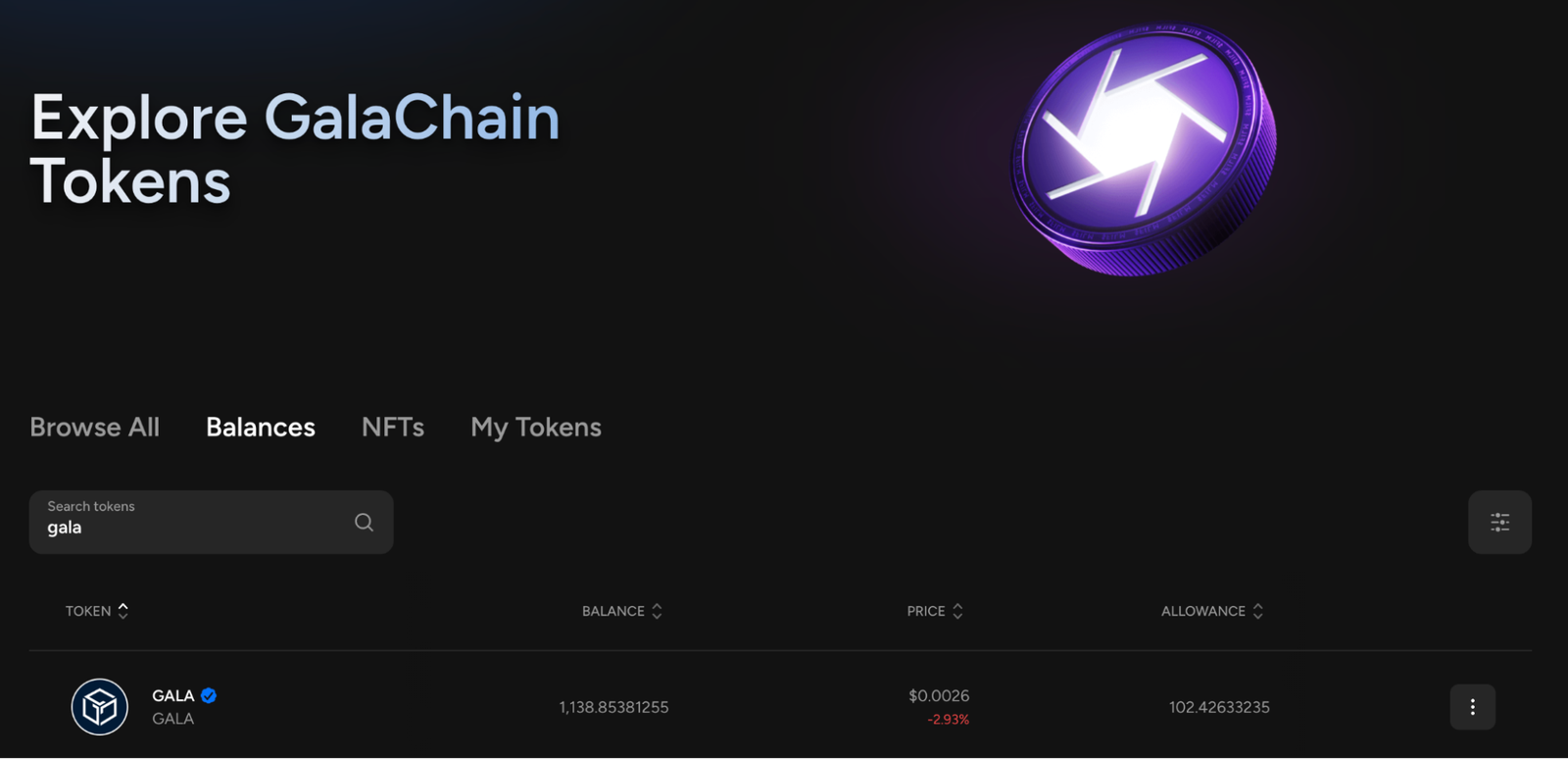
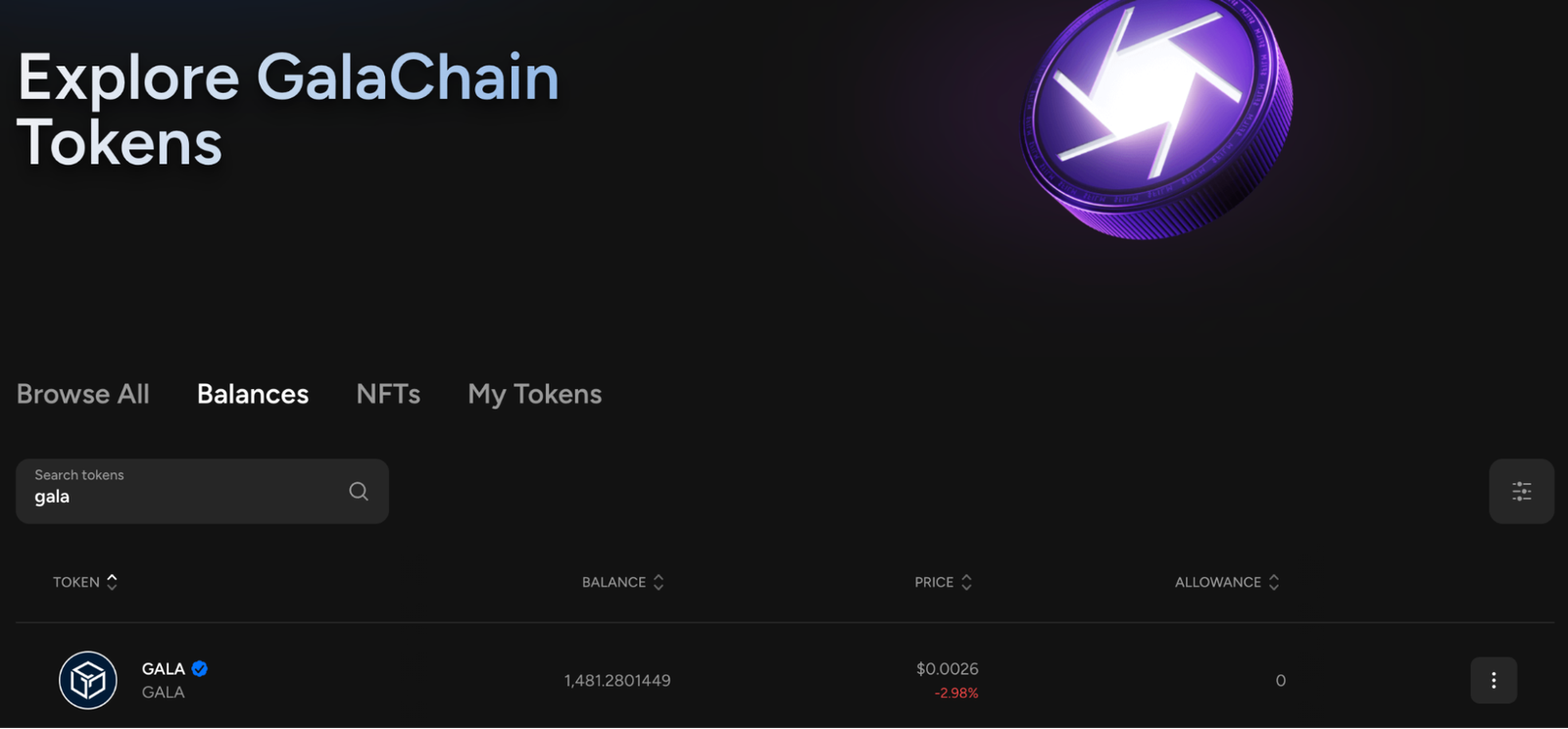
This tutorial is for minting GALA, but the process is similar for other tokens. In the balances section, search for GALA. Gala Connect will show your GalaChain GALA balance and your available allowances.
-
4
Choose Mint
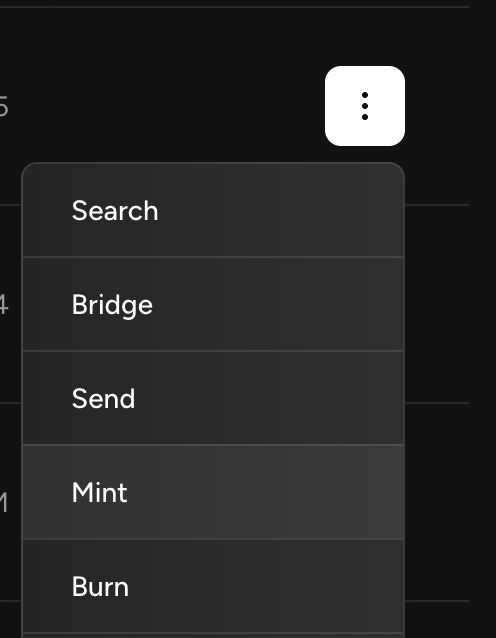
Click the three-dot menu next to the GALA balance, then click Mint.
-
5
Enter the amount to mint
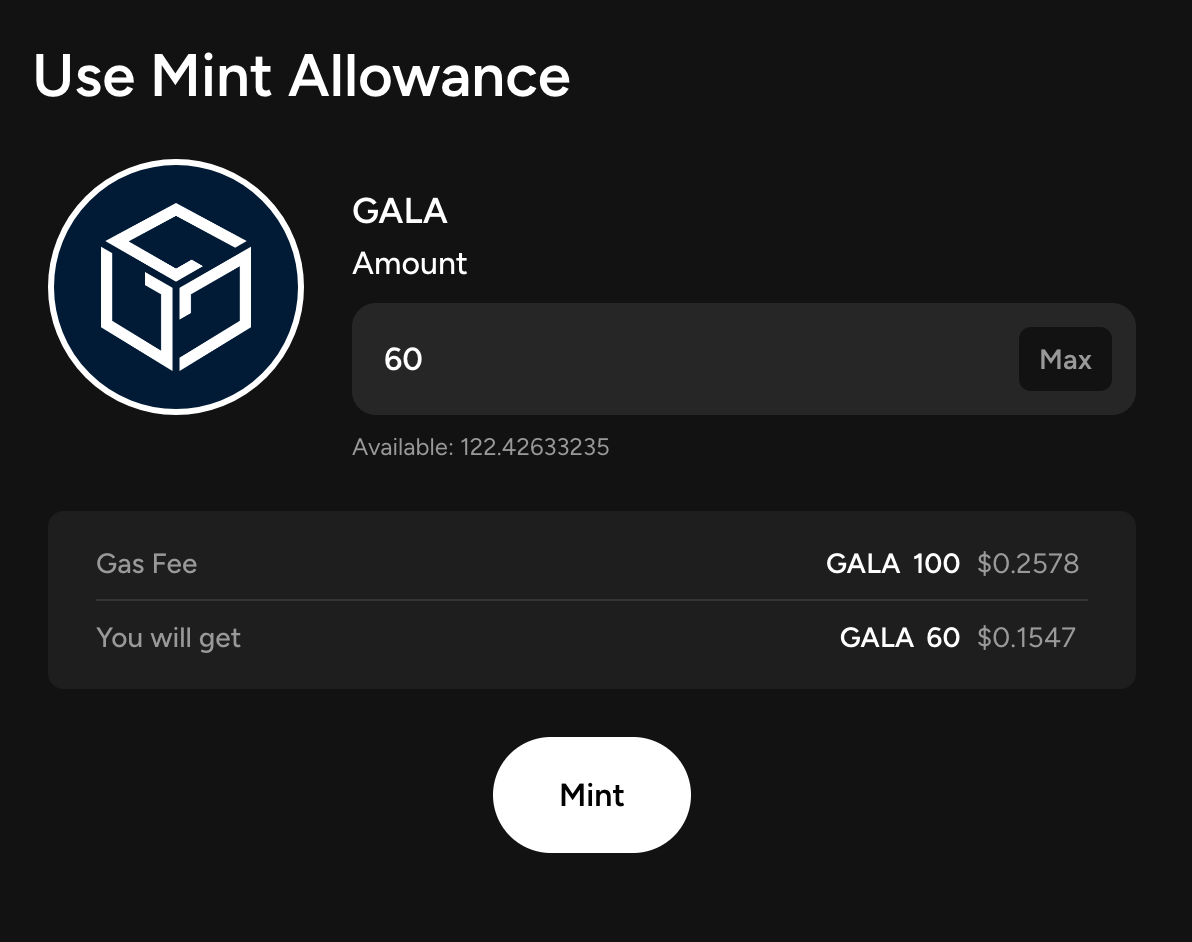
Enter the amount of GALA you want to mint. If you run into an issue, try minting a whole number amount without decimal points.
The Gas Fee is how much GALA on GalaChain the transaction will cost. If the transaction fails, confirm that your wallet has enough GALA to cover the fee.
The You will get amount is what will be sent to your GalaChain address. Once everything looks correct, click Mint.
-
6
Look for the success message
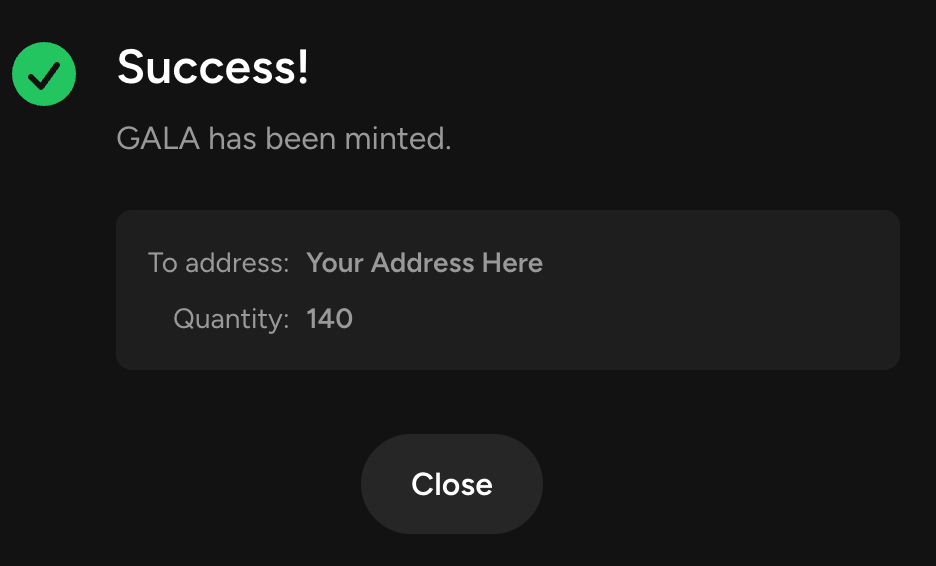
Once the transaction is processed, Gala Connect should show a success message similar to the one below.
-
7
Wait for your balance to update
It may take a few minutes, but your balance should update and the minting process should be complete.
Want HostDudes to host your node?
Skip the setup work. HostDudes can get your node hosted and help you through Discord if you have questions.
Get my node hosted